
Published 11 October 2026
The sun’s dipping below the horizon, you’ve got the perfect playlist cued up, you press play and… silence. Or maybe just the one speaker in the kitchen is working, while the terrace speakers have given up the ghost. There’s nothing quite like technology deciding to have a moment, right when you want it most. Sonos is a fantastic system, we install it all the time, but even the best kit can have a wobble, especially here on the island where thick stone walls, salty air, and temperamental internet can create a perfect storm of frustration.
Before you spend an afternoon on hold or consider throwing a very expensive speaker in the pool, take a breath. As installers with over 17 years of experience untangling these exact problems in Ibiza villas, we’ve learned that the fix is often surprisingly simple. Here are the nine things we’d always try first.
First, Let's Check the Obvious
It’s tempting to assume the worst, but nine times out of ten, the solution lies in the simple stuff. Let’s get these out of the way before we go any deeper.
1. The Classic 'Turn It Off and On Again'
Honestly, this should be framed and put on the wall. It’s not a myth. Electronics get their digital wires crossed sometimes, and a quick reboot is all they need to sort themselves out. But do it properly: don't just tap the power button. Go to the speaker that’s acting up, unplug it from the wall, wait a good 30 seconds, and plug it back in. While you’re at it, do the same for your internet router. This simple act solves a huge number of temporary glitches.
2. Check Your Phone's Wi-Fi
Your Sonos system lives on your Wi-Fi network. Your phone, which is the remote control, also needs to be on that *exact same* Wi-Fi network. It's easy to overlook, but your phone might have automatically jumped onto a 4G/5G signal if the Wi-Fi was momentarily weak, or even connected to a neighbour's network if it's unlocked. Go to your phone’s Wi-Fi settings and make sure you’re connected to your home network. If you aren't, the Sonos app will be completely blind.
3. Update Everything
Sonos is constantly improving its software, which is great, but it means you need to keep up. This often catches out owners who are only here for the summer. You arrive back at the villa, fire up the app you used last year, and it can't find the system. This is often because your app is ancient history. Check the Apple App Store or Google Play Store for an update to the Sonos app. Once that's done, the app itself will usually tell you if your speakers also need a system update. Just follow the on-screen instructions.
When Speakers Go Missing
One of the most common calls we get is about a speaker, or a whole room, that has simply vanished from the app. It’s still plugged in, the little light might be on, but it’s nowhere to be found. This is almost certainly a network communication problem, not a dead speaker.
4. Bring the Speaker Closer to the Router
This is a great diagnostic trick. Unplug the 'missing' speaker and temporarily move it into the same room as your main internet router. Plug it in and see if it reappears in the app after a minute or two. If it does, congratulations – you don’t have a broken speaker, you have a Wi-Fi dead spot. Those beautiful, thick stone walls that make a finca so charming are also brilliant at killing Wi-Fi signals. Now you know the problem is coverage, not the kit.
5. Re-add the Speaker to the System
Sometimes a speaker just needs a formal re-introduction. In the Sonos app, go to Settings > System > Add Product and follow the steps. The app is very good at guiding you through this, and it can often jog a speaker back into life. You'll usually need to press a button on the speaker itself to get it into pairing mode.
Tackling Ibiza-Specific Network Problems
Running a tech-heavy home in Ibiza has its own unique set of challenges compared to a city flat. The environment, the way we use our homes, and the people in them all play a part.
6. The 'Rental Guest' Factor
If you rent out your villa, your system has to withstand the ultimate stress test: strangers. We've seen it all. Guests will unplug anything – routers, speakers, network switches – to charge a phone or plug in a hairdryer. Before you do anything else, do a walk-around and check that everything is actually plugged in and the lights are on. It's also worth thinking about labelling plugs or putting key network gear somewhere less accessible to avoid this happening every week.
7. The Curse of Wi-Fi Extenders
To solve patchy Wi-Fi, many people buy cheap, plug-in Wi-Fi 'extenders' or 'repeaters'. For Sonos, these are often more trouble than they're worth. They can create a separate, secondary network that confuses your system, or they can introduce delays (latency) that cause audio to drop out or speakers to disappear. Sonos needs a single, stable, unified network to work reliably. For a larger villa, the proper solution is a 'mesh' network system or a series of professionally installed wireless access points that work together seamlessly.
8. Power Surges, Salt, and Dust
The island's power supply can be a bit fragile, especially during a summer storm. A brief power cut or surge is enough to knock your router or a few speakers offline and they may not always reconnect gracefully. This is another reason the 'off and on again' trick is so effective. Furthermore, the salty, humid air is corrosive over the long term, and the fine red dust of a *calima* gets everywhere. It’s worth occasionally checking that plugs and sockets (especially for outdoor speakers) are clean and free from corrosion.
The Pro-Level Fix for Rock-Solid Stability
9. Create a Wired 'SonosNet' Setup
This is the single most effective thing you can do for Sonos reliability, and it's how we install most of our systems. Find one Sonos speaker – any one will do, but ideally one that's centrally located – and connect it directly to your router using an Ethernet cable. That's it. When you do this, the Sonos system stops using your home Wi-Fi and instead creates its own, dedicated, private mesh network called SonosNet. Each speaker talks to the other speakers, creating a powerful, self-healing web of sound that's completely independent of your Wi-Fi network being used for Netflix, laptops, and guest phones. It dramatically reduces dropouts and is the gold standard for any multi-room Sonos setup.
Quick answers
Why does my Sonos keep cutting out?
This is almost always a Wi-Fi problem. Your speaker is momentarily losing its connection to the router or to the next speaker in the chain. This could be because it's too far away, something is causing interference, or your Wi-Fi is just overloaded. Try moving the speaker, rebooting your router, or, for the best fix, wire one of your Sonos products directly to your router to activate the more robust SonosNet.
Can I use Sonos with my villa's guest Wi-Fi?
Generally, no. Most guest networks are configured with 'client isolation', which is a security measure that stops devices on that network from seeing each other. This means your phone, on the guest Wi-Fi, won't be able to find or control your speakers. To use Sonos, your controller device (phone or tablet) must be on the same primary network as the speakers.
Do I need a special router for Sonos in Ibiza?
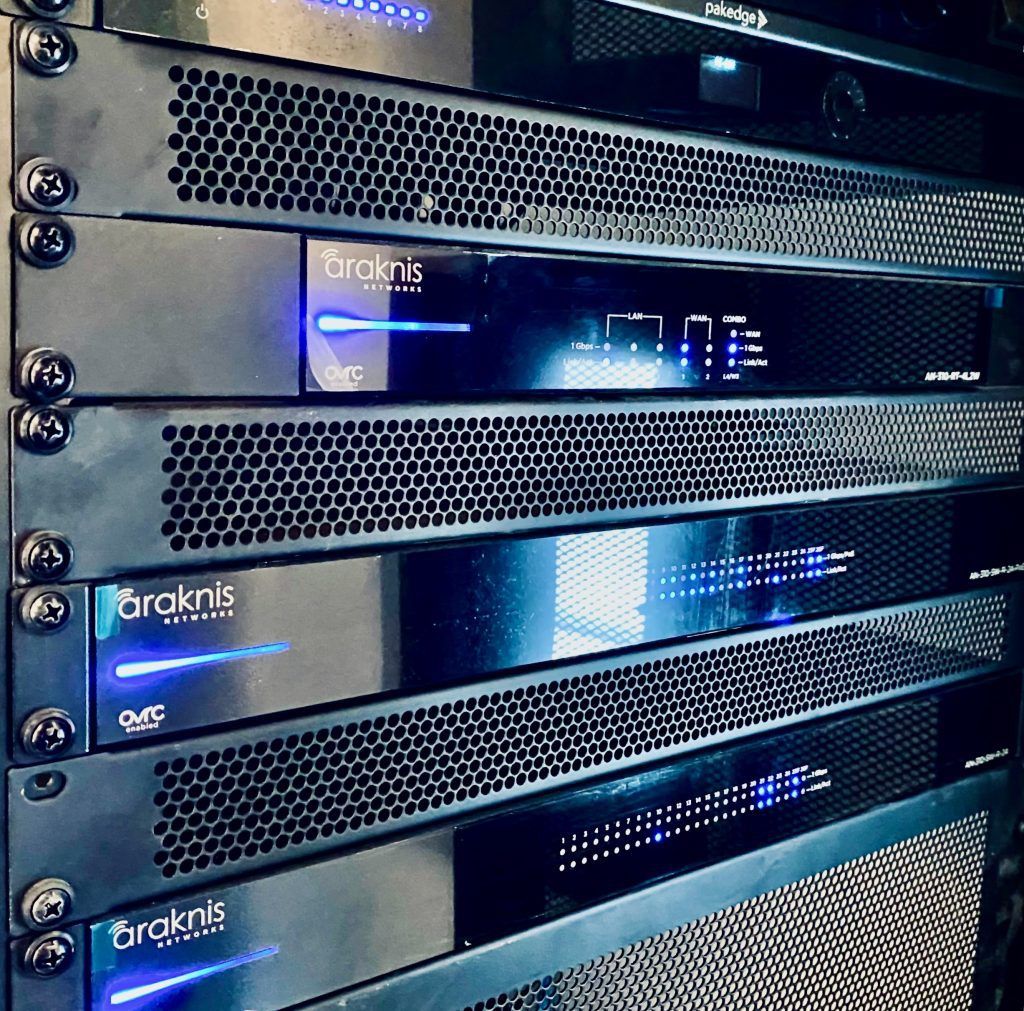
You don't need a 'special' one, but the basic, free router from your internet provider will almost certainly struggle with the demands of a large Ibiza villa with thick walls and multiple Sonos speakers. For a property of any real size, we always recommend upgrading to a proper networking solution, like a modern mesh system (e.g., from brands like Ubiquiti or Araknis) which uses multiple points to blanket the entire property in strong, reliable Wi-Fi.
Hopefully, one of these tips has got your music back on. But if you're still stuck, or you’re just tired of battling with technology when you should be enjoying the island, then it’s probably time to call in the professionals. We specialise in designing and installing home technology that’s robust enough to handle everything an Ibiza villa throws at it, from the August heat to a house full of guests. For a system that just works, season after season, give us a call or send a WhatsApp to +34 660 86 24 40, or even better, come and see us for a coffee and a chat at our showroom at Carrer Río de la Plata 6 in Ibiza.